Play local media and compatible network files without a subscription catalog.
- 4.0
- Google Play rating snapshot
Official store links A distribution link is not a security certification.
Overview and practical trade-offs
VLC is an open-source media player for video and audio you already have access to. It supports many common formats, subtitle options and network playback methods. Unlike a streaming subscription, its main purpose is handling files and streams rather than selling access to a particular entertainment library.
Import a small sample of your media first and check audio tracks, subtitles and playback controls. For network content, confirm that the phone can reach the server and that the access details are correct. A supported format does not guarantee smooth playback of every high-resolution or unusually encoded file on every device.
VLC suits people with personal media libraries, downloaded course videos or files shared through legitimate channels. Its utility-focused interface may take a little exploration. Availability of casting, file transfer and network options differs by platform, so check the workflow you need before relying on it during travel or a presentation.
Store information checked September 15, 2026. The displayed rating is from Google Play; screenshots are from the official iOS listing, so Android screens may differ. Optional subscriptions and purchases are subject to the provider’s current terms.
Where it can help
- Broad media-format support with subtitle and playback controls.
- Useful for personal files rather than requiring a streaming subscription.
Limitations to consider
- Some file-transfer and network workflows take setup.
- Playback performance depends on the file and the device.
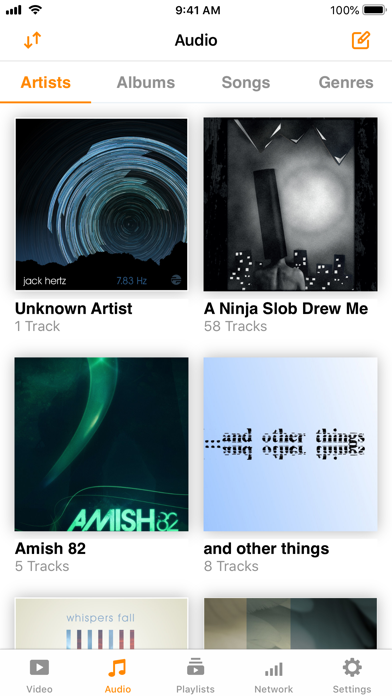
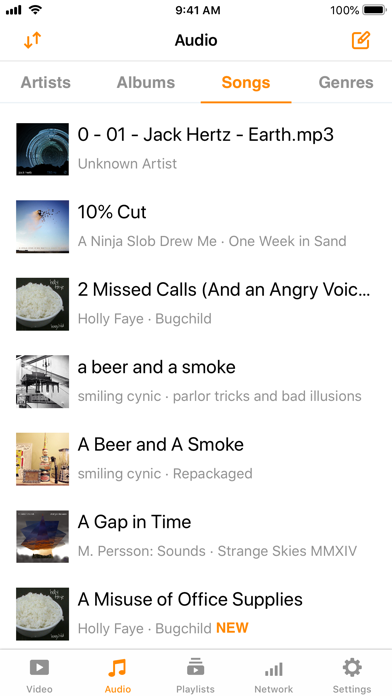
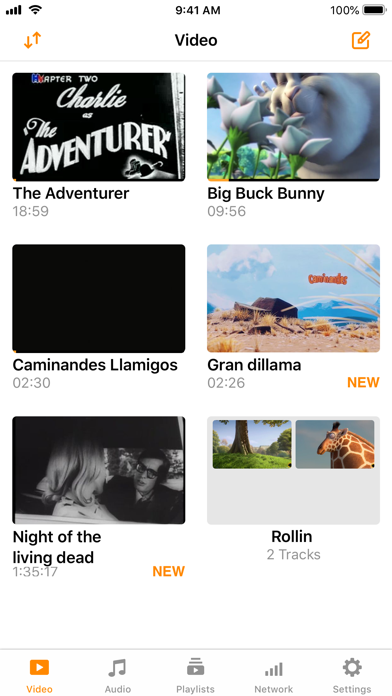
Official store screenshots (3)
Publisher-provided store artwork · iOS. These are not Appadvizr test captures; versions and platforms may differ.
Official sources and installation
Appadvizr links only to official distribution channels. We never host installer files.