TickTick
Productivity & Tools
Combine task lists, reminders and focus tools in one planning app.
- 4.6
- Google Play rating snapshot
Official store links A distribution link is not a security certification.
Overview and practical trade-offs
TickTick brings together to-do lists, recurring tasks, reminders and calendar-oriented planning. It also includes tools for focus sessions and habits, which may appeal to someone who would otherwise split a routine across several apps. Shared lists can support small collaborative tasks such as shopping or planning an event.
The useful starting point is a short daily list, not switching on every feature. Add realistic reminders, identify which tasks repeat and decide whether the focus timer actually helps your work. Keep habit tracking separate from deadline-driven obligations so a missed optional routine does not obscure an urgent commitment.
TickTick is a good candidate for people who want both planning and focus support. Some calendar views, limits and advanced features belong to Premium. Test the version available on your own device and check notification permissions before depending on alerts. Too many reminders can make an otherwise helpful system easier to ignore.
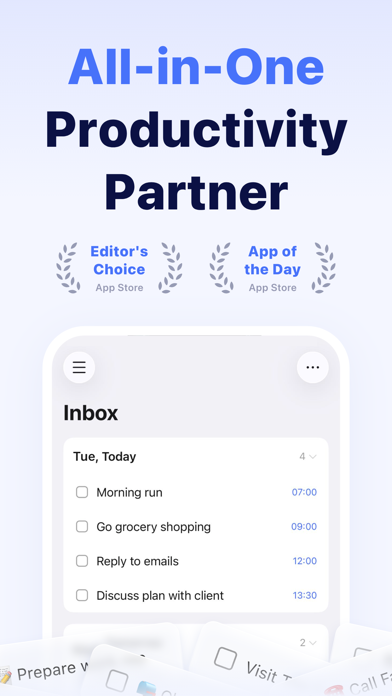
Store information checked September 15, 2026. The displayed rating is from Google Play; screenshots are from the official iOS listing, so Android screens may differ. Optional subscriptions and purchases are subject to the provider’s current terms.
Where it can help
- Tasks, focus sessions and habits can be managed together.
- Recurring tasks and shared lists cover common daily routines.
Limitations to consider
- Several advanced views and higher limits require Premium.
- Many overlapping reminders can create unnecessary interruption.
Official store screenshots (3)
Publisher-provided store artwork · iOS. These are not Appadvizr test captures; versions and platforms may differ.


Official sources and installation
Appadvizr links only to official distribution channels. We never host installer files.