Microsoft OneNote
Productivity & Tools
Build notebooks that combine typed notes, sketches and supporting material.
- 4.6
- Google Play rating snapshot
Official store links A distribution link is not a security certification.
Overview and practical trade-offs
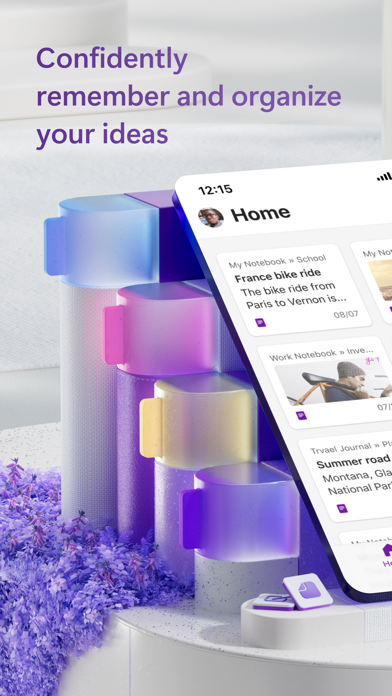
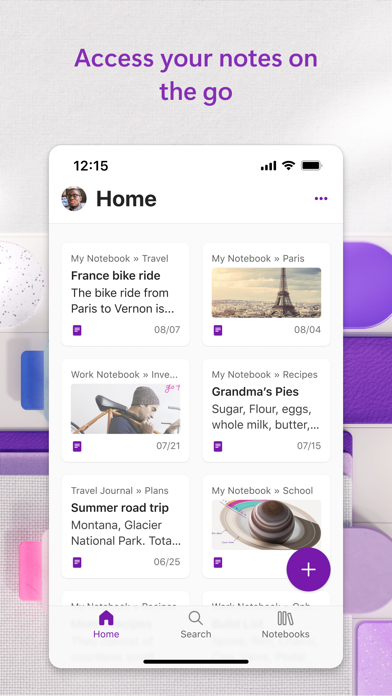
Microsoft OneNote organizes information into notebooks, sections and pages rather than a single stream of short notes. Its mobile app lets you capture ideas and return to notebooks across devices. Text, handwriting and images can sit together, making it useful for class material, meeting notes or an ongoing project with several kinds of reference.
Choose a simple section structure before importing a large collection. A page for each meeting or lesson usually stays easier to navigate than one document that grows indefinitely. Check account synchronization before relying on a recently edited page elsewhere, and confirm which notebook belongs to a workplace account.
OneNote suits people who want flexible pages and already use Microsoft services. That flexibility can also become clutter without regular organization. Features and editing controls differ between mobile and desktop, so test the particular workflow you need rather than expecting every computer feature on a small screen.
Store information checked September 15, 2026. The displayed rating is from Google Play; screenshots are from the official iOS listing, so Android screens may differ. Optional subscriptions and purchases are subject to the provider’s current terms.
Where it can help
- Notebook and section structure works well for continuing subjects and projects.
- Supports a mixture of written notes, images and handwriting.
Limitations to consider
- Flexible pages can become difficult to navigate without a filing habit.
- Mobile and desktop capabilities are not identical.
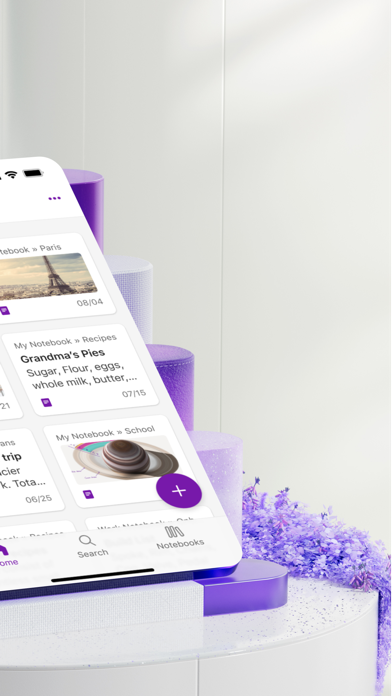
Official store screenshots (3)
Publisher-provided store artwork · iOS. These are not Appadvizr test captures; versions and platforms may differ.
Official sources and installation
Appadvizr links only to official distribution channels. We never host installer files.